

Owner guide · Michigan City Kia · Michigan City, IN
How to Remote Start a Kia With the Key Fob
If your Kia smart key has a remote start button, you can start the vehicle from outside, then turn it off the same way. This guide covers the key fob steps, the 33-foot range, the 10-minute shutoff and starting from a phone with Digital Key 2. It follows the 2027 Kia owner's manual published on ownersmanual.kia.com as KIA-NQ5a-ICE-en_US-2027, read October 27, 2026. The manual pages do not name a model, remote start is listed as "if equipped", and other Kia models can differ.
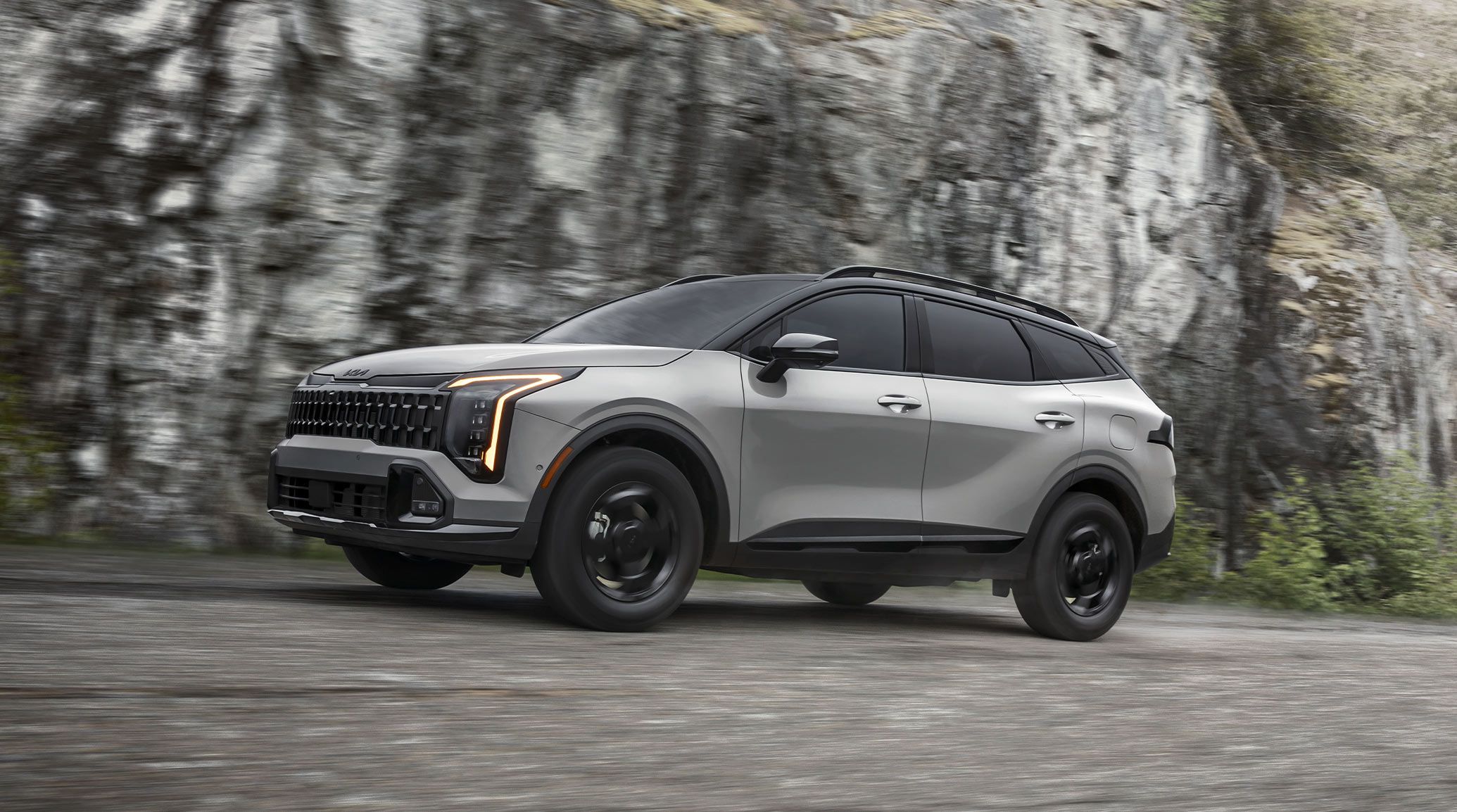
33 ftapproximate smart key range
4 secondsto press remote start after locking
3 blinkshazard lights when the engine starts
10 minutesuntil it turns off with no further action
How do you remote start a Kia?
If your smart key has a remote start button (if equipped), stand within 33 ft (10 m) of the vehicle and press the door lock button on the smart key. Within 4 seconds, press the remote start button for over 2 seconds. The hazard warning lights blink 3 times when the engine is started remotely. Press the remote start button once to turn the vehicle off. Those are the steps in the 2027 Kia owner's manual (NQ5a).
Remote start with the smart key
The smart key's buttons in the manual are lock (1), unlock (2), power liftgate (3, if equipped), panic alarm (4) and remote start (5, if equipped). To start the vehicle remotely:
- Lock the doors by pressing the door lock button (1) within 33 ft (10 m) of the vehicle.
- Within 4 seconds after locking, press the remote start button (5) for over 2 seconds. The hazard lights blink 3 times when the engine is started remotely.
- To turn the vehicle off, press the remote start button (5) once.
Kia adds a tip: the hazard-light signal may not apply depending on the regulations of your country.
Range, signal and locking
| Topic | What the manual says |
|---|---|
| Range | The smart key works when it is within approximately 33 feet (10 m) of the vehicle; antennas in the vehicle sense when it is in range. |
| Window tint | Tinting the windows with film, especially metalized film, may interfere with the smart key's signal and reduce its range. |
| Locking confirmation | Once all doors are closed, the hazard lights blink and the chime sounds once to show all doors are locked. If a door is open or the key is out of range, the hazard lights (and/or the chime) do not signal. |
| Locking will not work | In the ACC or ON state, or when one or more doors are open. |
| Water damage | If the smart key stops working because of exposure to water or liquids, Kia says it will not be covered by the manufacturer's vehicle warranty. |
From the Smart key section of the 2027 Kia owner's manual (NQ5a), read October 27, 2026.
How remote start ends
The manual says that if no further action to operate or drive the vehicle is taken, it turns off 10 minutes after it was started remotely. You can also stop it at any time by pressing the remote start button once.
Separately, the manual describes a Vehicle Auto Shut-off system (if equipped) that turns off an engine left running for a long time while parked, to help reduce fuel consumption and prevent accidents. Its timer runs only when all of the manual's listed conditions are met, including the vehicle below 2 mph (3 km/h) in P (Park), the brake and accelerator pedals not pressed, the driver's seat belt unfastened and the passenger seat empty.
Remote start from your phone (Digital Key 2)
On vehicles with Digital Key 2, the manual says a phone that supports UWB can start the vehicle remotely: use the Kia app or an app provided by the phone maker and press the remote start button. The vehicle starts and the hazard warning lights flash. Press the remote start button again to turn it off.
For everyday starts, you place the NFC antenna of a phone without UWB support on the center of the charging pad, press the brake pedal and press the start button. With a UWB phone, carry it inside the vehicle, press the brake pedal and press the start button. Kia notes that a phone in a back pocket or bag can limit the Bluetooth connection and delay locking, unlocking or starting.
If the smart key does not work properly
When a door is opened or the ENGINE START/STOP button is pressed, the vehicle checks for the smart key. If the battery is weak or the key does not work properly, the manual says you can start the engine by pressing the ENGINE START/STOP button with the smart key, touching it to the button at a right angle.
For vehicle battery and electrical checks, see our Kia battery service page, and you can schedule service online.
Michigan City Kia service hours
| Days | Hours |
|---|---|
| Monday to Friday | 7:30 a.m.-5 p.m. |
| Saturday | 7:30 a.m.-3 p.m. |
| Sunday | Closed |
From Michigan City Kia's website, October 27, 2026. Holiday hours can differ.
Kia remote start questions
How do I remote start my Kia with the key fob?
Per the 2027 Kia owner's manual (NQ5a) on ownersmanual.kia.com: lock the doors with the door lock button within 33 ft (10 m) of the vehicle, then within 4 seconds press the remote start button for over 2 seconds. The hazard lights blink 3 times when the engine starts. Remote start is listed as "if equipped".
How long will a remote-started Kia run?
The 2027 NQ5a manual says that if no further action is taken to operate or drive the vehicle, it turns off 10 minutes after it was started remotely.
How do I turn off a Kia remote start?
Press the remote start button on the smart key once, per the manual.
Can I remote start my Kia with my phone?
The manual's Digital Key 2 section says that with a phone that supports UWB, you can use the Kia app or an app provided by the phone maker and press the remote start button. The vehicle starts and the hazard warning lights flash; press remote start again to turn it off.
Why does my Kia key fob not reach the car?
The manual says the smart key works within approximately 33 feet (10 m), and that window tint film, especially metalized film, may interfere with the signal and reduce the range.
What if my smart key is not working?
The manual says that if the battery is weak or the smart key does not work properly, you can start the engine by pressing the ENGINE START/STOP button with the smart key, touching it to the button at a right angle.
Remote start not responding?
Visit Michigan City Kia at 710 E. US Hwy 20 in Michigan City, IN, and our service team can take a look.
Sources
Remote start steps, range, shutoff and phone key notes are from the 2027 Kia owner's manual published on ownersmanual.kia.com as KIA-NQ5a-ICE-en_US-2027, read October 27, 2026. Its pages do not name a model, and other Kia models and equipment can differ, so the manual for your vehicle is the final word. Address and hours are from Michigan City Kia's own website. Image: Kia America.
- 2027 Kia owner's manual (NQ5a): Smart key (remote start, range, locking), Kia America, read October 27, 2026
- 2027 Kia owner's manual (NQ5a): How to Use the Digital Key 2 (Smartphone), Kia America, read October 27, 2026
- 2027 Kia owner's manual (NQ5a): Starting the engine with smart key, Kia America, read October 27, 2026
- 2027 Kia owner's manual (NQ5a): Vehicle Auto Shut-off system, Kia America, read October 27, 2026
- 2027 Kia owner's manual (NQ5a): Vehicle Auto Shut-off operating conditions, Kia America, read October 27, 2026
- Sportage (image), Kia America, October 27, 2026
- Address and service hours (structured data), Michigan City Kia, October 27, 2026
- Kia service center at Michigan City Kia, Michigan City Kia, October 26, 2026
